What it is
The control panel is the operator's desk. A VPN service has two halves: the servers the traffic runs through, and the people who use them. The panel keeps both in one place — no hosting console, separate billing system or spreadsheet of users.
It is part of the white-label offering, the way to launch a VPN service under your own brand. It is in development: join the waitlist to get access when the panel opens.
- Amsterdam NL62%
- Frankfurt DE48%
- New York US35%
- Moscow RU71%
- Vilnius LT53%
Nodes
A node is a server your users connect through. In the panel you add nodes, see which are running and choose the locations your users get. One city can have several nodes behind it: the service grows, the list of locations stays the same.
Pingle's own network is five locations: Amsterdam, Frankfurt, New York, Moscow and Vilnius. The nodes in a panel are the operator's own servers, wherever their users need them.
Users and plans
On the other side are accounts: who has access, on which plan, with how much traffic left. The plans are yours: names, allowances, prices and terms. So is everything else your users see: billing, design, the feature set.
Features are modules, so two services on Pingle need not look alike. One sells a single cheap plan with routing; another offers several plans with isolation, threat blocking and round-the-clock support. Both run on the same core.
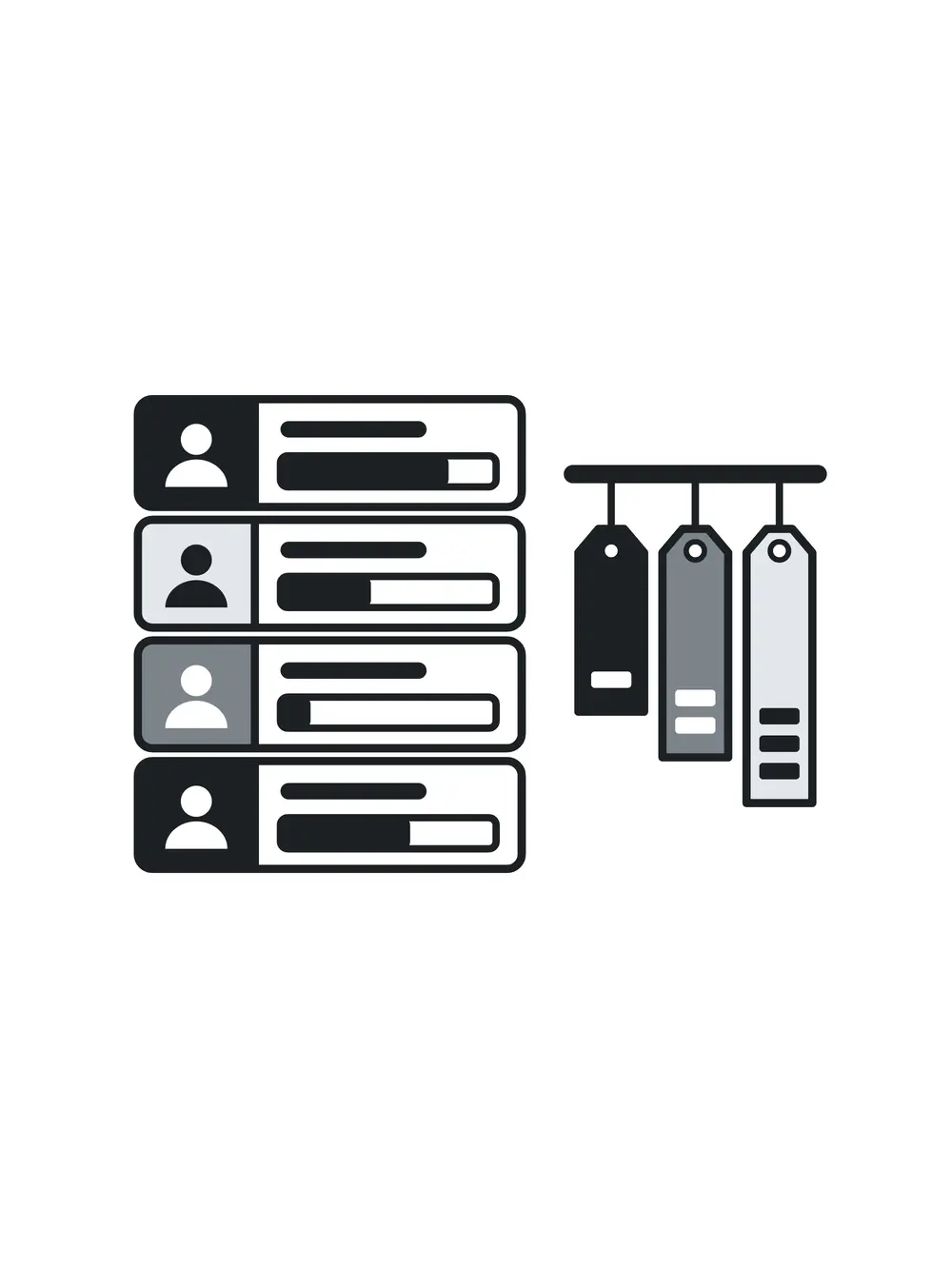
Every part is a module
Pingle is a core with plugins around it. Routing, two-way isolation, threat blocking, support — each is a separate module, and a service runs the ones its operator chooses. With support, for example, your users get an AI answer within seconds at any hour, and a specialist takes the hard questions.
The plugins run in WebAssembly — nearly as fast as a native program, but each sealed in its own sandbox: a plugin cannot break the core or reach anyone else's data. The core and the apps are written in Rust; the reverse proxy is Envoy, open source.
Security on the nodes
Threat blocking runs inside the Linux kernel, on eBPF: ordinary traffic passes straight through, and requests that match a rule are stopped right there. The kernel sees events on a node as they happen: process launches, file access, network connections.
Rules are checked there too, in the kernel and synchronously, so an action that matches a rule is stopped before it completes rather than found later in a log.
Events are filtered in the kernel itself instead of being handed to a separate program to inspect, so the overhead stays low even on frequent operations — reads, writes, sending data. Filtering runs on the nodes themselves — no separate appliance in front of them that would need looking after too.
Availability
The panel ships with the white-label offering; both are in development, so this describes what we are building, not a manual for a finished product. There is no release date yet, and we will not give one we cannot keep.
- Your own service: join the waitlist.
- A VPN in an existing product: the Pingle SDK, also in development.
- Everything else: write to us.